The Future of Remote Printing: How Cloud Integration Enhances Office Efficiency
As hybrid and remote work models continue to evolve, businesses are rethinking how employees access essential office resources—especially printers. Remote printing, powered by cloud technology, has become a core solution for modern organizations seeking flexibility, accessibility, and secure document management. In 2025, cloud-integrated printing is transitioning from a convenience to a strategic necessity.
This article explores how cloud integration is transforming remote print workflows and boosting office efficiency.
1. Anywhere, Anytime Printing
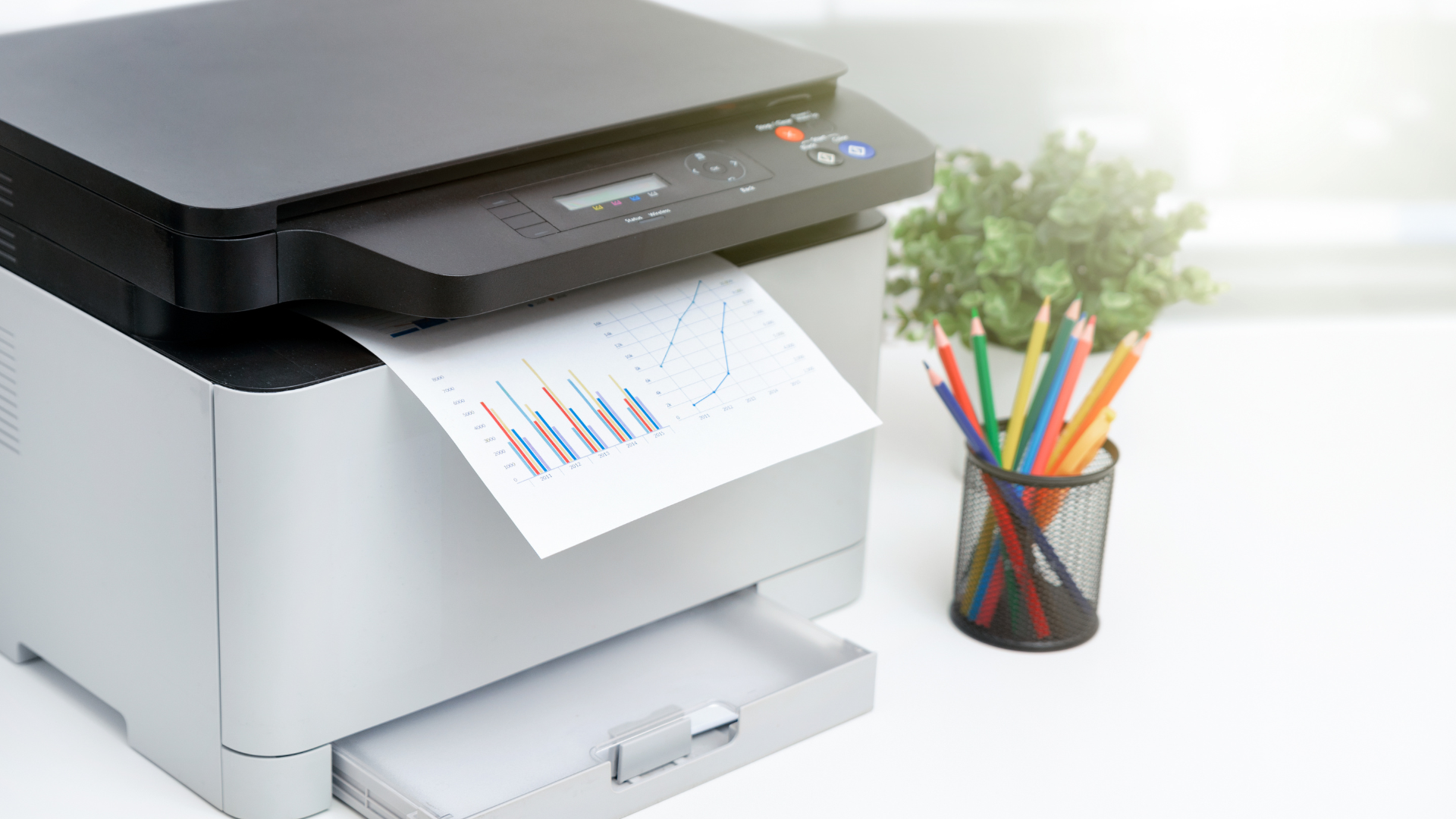
Cloud-connected printers enable employees to send print jobs from any device, location, or network. Whether team members are working from home, traveling, or collaborating from branch offices, printing becomes seamless.
Key Benefits:
- Print from smartphones, tablets, or laptops.
- No need for complex VPN access.
- Eliminates dependency on local drivers or IT support.
- Enhances productivity for distributed teams.
This level of accessibility keeps workflows running smoothly even when teams are geographically dispersed.
2. Enhanced Security Through Cloud Authentication
Security is one of the biggest concerns in remote work environments. Cloud printing platforms address this with multi-layered protection.
Security Enhancements Include:
- User authentication via PIN, mobile app, or ID card.
- Encrypted data transfer from device to cloud to printer.
- Secure release printing to ensure documents aren’t left on output trays.
- Centralized policy management across multiple locations.
The result: organizations can maintain strict document security without sacrificing convenience.
3. Simplified IT Management
Cloud printing dramatically reduces the IT burden associated with traditional print infrastructure.
IT Advantages:
- Centralized management of print queues, permissions, and devices.
- Automatic updates—no manual driver installations.
- Easy onboarding of new printers or users.
- Reduced reliance on on-premise print servers.
This lets IT teams focus on strategic projects instead of constant troubleshooting.
4. Cost Savings Through Centralized Print Controls
With cloud analytics, businesses gain deep insights into printing habits and costs.
Cost Optimization Features:
- Tracking usage by department or user.
- Identifying excessive print volume or waste.
- Enforcing rules (e.g., double-sided or black-and-white printing).
- Reducing hardware needs via shared printer access.
These tools can significantly lower printing costs while promoting sustainability.
5. Integration with Digital Workflows
One of the biggest advantages of cloud printing is its ability to integrate with existing digital ecosystems.
Examples of Workflow Enhancements:
- Print directly from cloud storage apps such as Google Drive, OneDrive, and Dropbox.
- Automated routing of documents to workflows like billing, HR, or legal review.
- Syncing print activity with project management systems.
- Unified access across platforms like Microsoft 365 or Slack.
Cloud integration helps ensure that printing remains aligned with broader business processes.
6. Flexibility for Hybrid Work Environments
Hybrid workplaces require tools that can adapt quickly. Cloud-based printing supports this by providing:
- Consistent access to the same printers regardless of location.
- Secure printing on shared or temporary office devices.
- Mobile printing for employee hot-desking and conference room use.
- Scalability as staff levels or office layouts change.
This flexibility helps companies maintain efficiency as work patterns evolve.
7. The Future: Smarter, AI-Driven Cloud Printing
Looking ahead, cloud printing is on track to become even more advanced with AI integration.
Ai-Enhanced Features on the Horizon:
- Predictive maintenance for fewer interruptions.
- Automated supply ordering based on usage.
- Intelligent print routing to reduce wait times.
- Enhanced analytics for cost prediction and optimization.
AI will continue to enhance the reliability and performance of cloud-connected print environments.
Conclusion
Remote printing is no longer just a workaround for offsite workers—it’s a core component of the future workplace. Cloud integration enhances accessibility, secures sensitive data, reduces IT workload, and empowers businesses to manage printing more efficiently than ever before.
You might also like