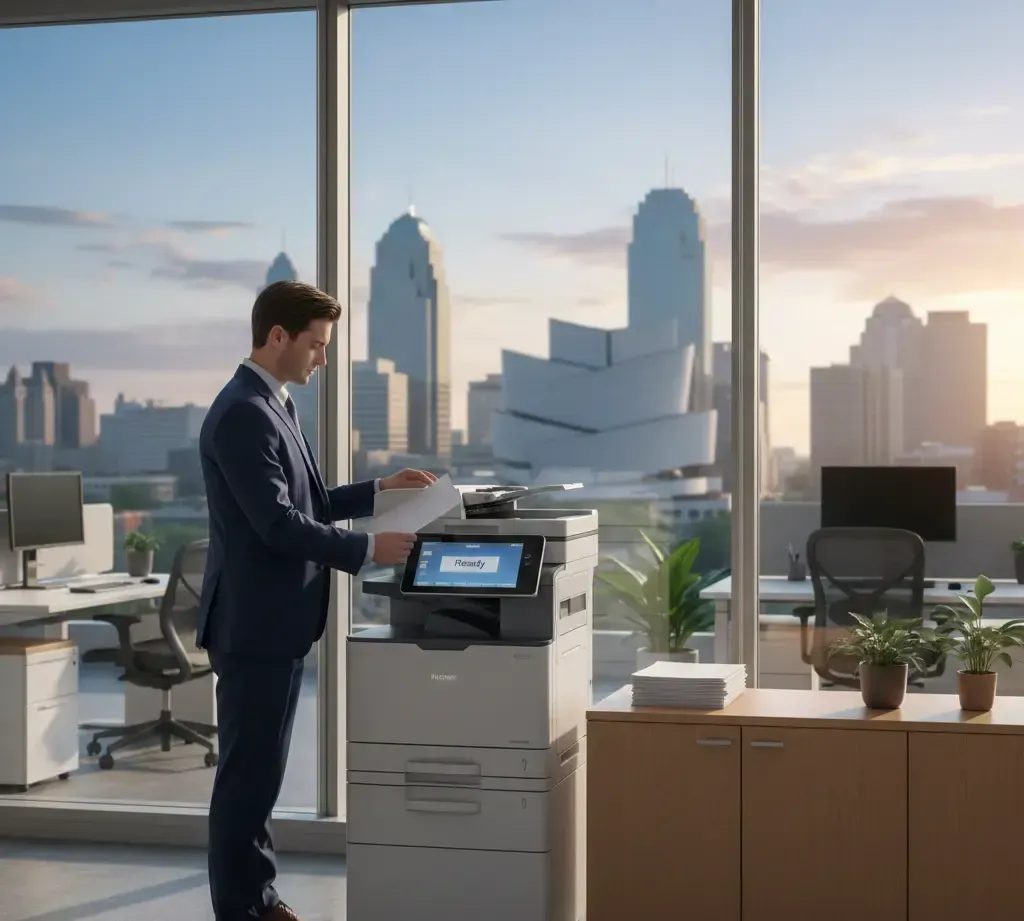
How to Choose the Right Multifunction Printer for Hybrid Work Environments.
In the age of hybrid work, businesses need technology that supports flexibility and productivity. One of the most crucial devices in any office environment, whether remote or in-person, is the multifunction printer (MFP). With the ability to print, scan, copy, and even fax from a single machine, an MFP can greatly enhance a hybrid work setup.
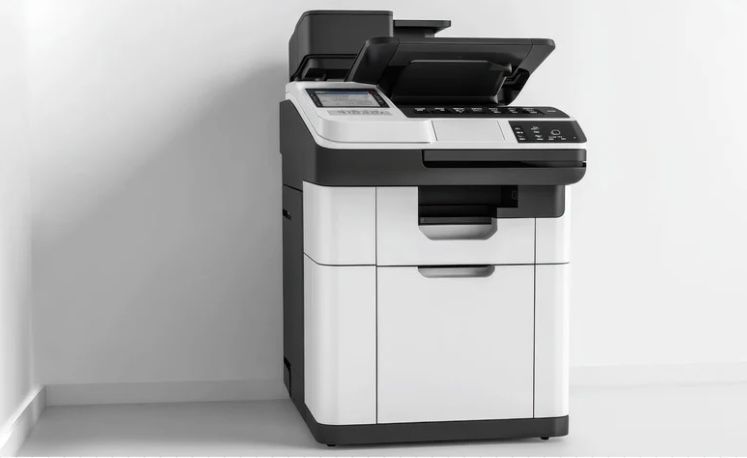
But with so many options on the market, how do you choose the right MFP for your team? Here’s a guide to help you pick the perfect machine that supports your hybrid workforce.
1. Connectivity: Seamless Integration Across Devices
Hybrid work requires flexibility—employees need to be able to print, scan, and share documents from multiple devices, whether they’re in the office or working remotely. This is why connectivity is key.
Look for a printer that supports wireless connectivity, including Wi-Fi and Bluetooth. It should integrate with cloud-based solutions like Google Drive, Microsoft OneDrive, or Dropbox, so employees can access and print documents from anywhere. Mobile printing options such as Apple AirPrint or Google Cloud Print can also make it easy for employees to send jobs directly to the printer from their smartphones or laptops.
2. Security Features: Protecting Sensitive Data
Security is a top priority in any business, especially when your team is working remotely and handling confidential information. Choose an MFP that offers robust security features, such as:
- User authentication: Passwords or fingerprint scanners to restrict access.
- Secure printing: Jobs are held in a queue until the user authenticates at the printer to retrieve their documents.
- Encryption: Ensure documents sent to and from the printer are encrypted to protect sensitive data.
With these features, you can ensure that only authorized individuals have access to sensitive documents, whether they’re printed in the office or remotely.
3. Print Quality and Speed: Handling Various Workloads
An MFP should be able to handle the diverse needs of a hybrid workforce. Whether it’s high-quality prints for presentations or quick, everyday documents, the printer should deliver both quality and speed.
Look for a printer with a high resolution (measured in DPI) for clear, crisp prints. If your team frequently prints large volumes of documents, a high print speed (measured in pages per minute, or PPM) will ensure productivity remains high.
4. Ease of Use and Management
With employees spread out, having a printer that’s easy to use and maintain is a game-changer. Look for an MFP with a user-friendly touchscreen interface that simplifies navigation. A clear and simple control panel reduces the learning curve, allowing employees to get up and running quickly.
Additionally, consider models that offer remote management and troubleshooting, so your IT team can provide support without needing to be physically present. Regular software updates and prompt customer support will also help maintain smooth operations.
5. Cost Efficiency and Energy Saving
Hybrid work environments can result in a greater demand for printing, making it essential to select an MFP that balances performance with cost efficiency. Look for models with low operating costs, energy-saving features, and high-yield toner cartridges.
Many printers also offer duplex (double-sided) printing, which reduces paper waste and overall printing costs. An energy-efficient printer can automatically power down when not in use or switch to power-saving modes, saving both money and the environment.
6. Support for Remote Collaboration
Hybrid teams need to collaborate, and the right MFP can facilitate this. Look for printers that allow for easy scanning and digital document sharing. Some MFPs come with built-in features for scanning directly to email or cloud storage, making it easy to share documents across teams, regardless of location.
Additionally, some models support integration with productivity tools like Microsoft Teams or Slack, allowing users to easily print, scan, or share documents during virtual meetings.
7. Scalability and Flexibility
The needs of a hybrid workforce may evolve as your business grows. Look for an MFP that is scalable—one that can easily expand in features or capacity as your team changes or your printing requirements increase. A flexible MFP will allow you to add more users, manage more complex workflows, and adjust settings as your business needs evolve.
Conclusion
Selecting the right multifunction printer for a hybrid work environment is essential for ensuring your team stays productive, secure, and connected. Focus on features like seamless connectivity, robust security, high print quality, and cost-efficiency to keep your office running smoothly—whether at home, in the office, or anywhere in between.
By making an informed choice, you’ll empower your hybrid workforce to stay efficient and collaborative, while protecting sensitive business data and reducing operational costs.
You might also like